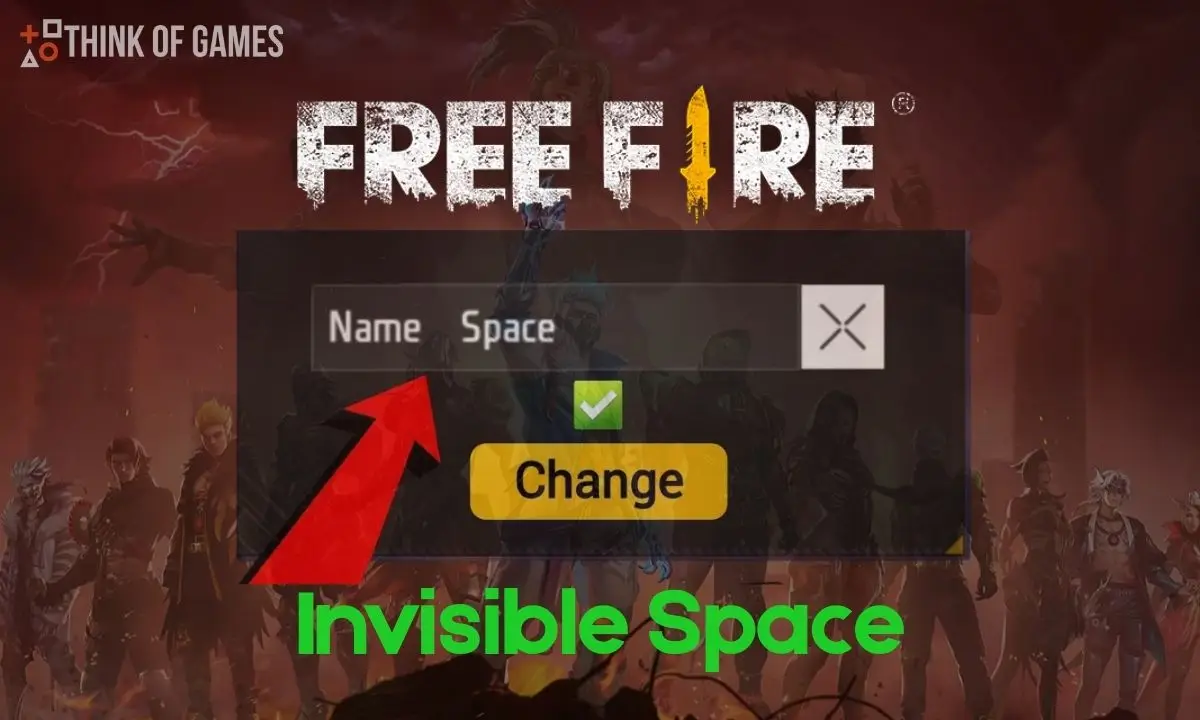
In the game of Free Fire, it is important as a player to have a stylish and catchy in-game name to make your profile attractive to other players. Usually, players use spaces between words to make their in-game names or nicknames attractive like “Live Player” or “Dark Soul”. But there’s a problem here: Free Fire doesn’t allow normal spaces in nicknames. As soon as you press the spacebar, the game deletes the name during confirmation, often misusing your 390 diamonds or the rename card.
In this article we will provide every detail related to the Free Fire Invisible Space including what is an invisible space, how it works and why players use it. We will also provide ready to use Unicode characters so you can make your nickname perfect.
About Free Fire Invisible Space ( )
The Free Fire Invisible Space is a blank space which does not seem visually, but is present in the text. It is also known as Hidden Character. Free Fire acknowledges this as a valid character, so it avoids the restriction that eliminates normal blank spaces.
Players can use this invisible space for these purpose:
- Insert spaces between words in their in-game names
- To create a fully invisible in-game name
Though, if players try to create their full name invisible, players may see an error like “Nickname is already taken.” In such a case, adjust (increase or decrease) invisible spaces’ number and retry.
Invisible Space: Ready to Use Unicorn Characters
Due to any reason above invisible space doesn’t work, must try these Unicode Characters that are given below:
| Unicode | Character Name | Invisible Character | Copy |
| U+200B | Zero Width Space | Copy | |
| U+200C | Zero Width Non-Joiner | Copy | |
| U+200D | Zero Width Joiner | Copy | |
| U+2060 | Word Joiner | Copy | |
| U+2800 | Braille Pattern Blank | Copy | |
| U+3000 | Ideographic Space | Copy |
Tips to use: Simply copy the above Unicode Character and paste it wherever you want to add the space to seem in your in-game name or to create your full name invisible.
Tips To Add Free Fire Invisible Space
Simply follow the steps that are given below to add Invisible Space in Free Fire Nickname:
Step 1: Copy the Invisible Space
There is an Invisible Space within brackets:
[ ]
Copy the blank space between brackets and paste it wherever you want to add the gap in your nickname or in-game name.
Step 2: Use it in Free Fire
- Open the Free Fire game and visit the profile section.
- Click on “Pencil Icon” or “Edit” by your nickname.
- Paste the copied invisible space between words or set a number of spaces for a completely hidden name.
- Now confirm the change by spending 390 diamonds or a rename card.
That’s all, now your name will have a space exactly where you want it.
The Nickname Policy of Free Fire
The Free Fire allows personalized names, but avoids violating the policies of Garena Free Fire. Do not use insulting words, questionable scripts, or characters that break the rules. Doing so may result in a ban or temporary suspension of your account.
Note: Keep your nickname or in-game name stylish but clean.
The Free Fire invisible spaces are completely safe and widely used, but there is a chance of changing rules in the future updates.
Conclusion
If you do not want to waste your diamonds, just use Free Fire Invisible Space and its Unicode Characters to personalize your nickname or in-game name. This method works properly, whether the players want creative spacing or a completely hidden name. So try it once to make your in-game name stylish and unique.
Also, Read About: Top 4 Best Free Fire Player in India – Unbelievable Skills